

Add a full phone system to Microsoft Teams — without Microsoft's calling plan pricing
If your team already lives in Microsoft Teams, Curo IP can become the phone system behind it. Your team calls and receives calls directly in Teams using their Curo IP number — no separate app, no switching between platforms.
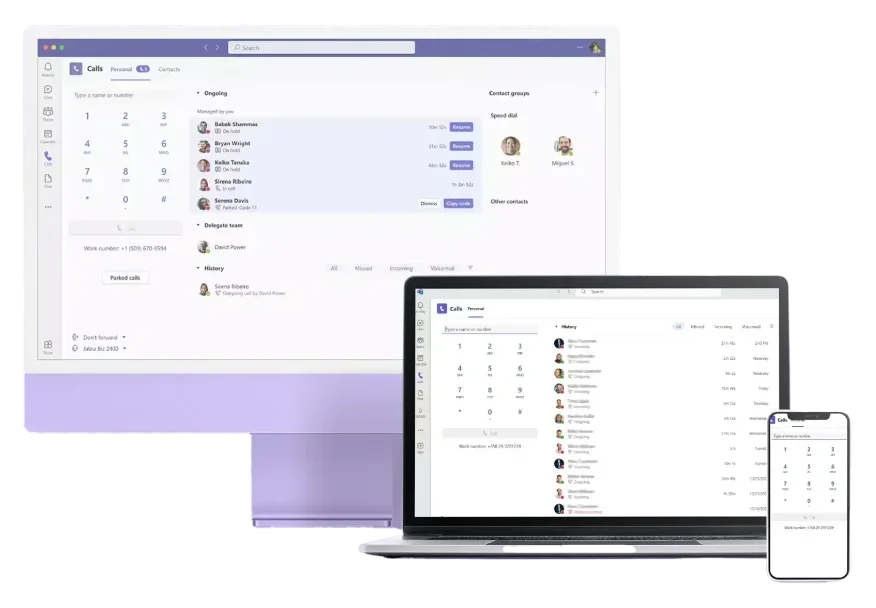
Enterprise-grade calling inside Teams
- Make and receive external calls directly in Microsoft Teams
- Keep your existing UK phone numbers
- No Microsoft Calling Plan required (significant cost saving)
- Full Curo IP feature set available: IVR, call recording, queuing, reporting
- Deployed via Microsoft Direct Routing — no change to your Teams licence

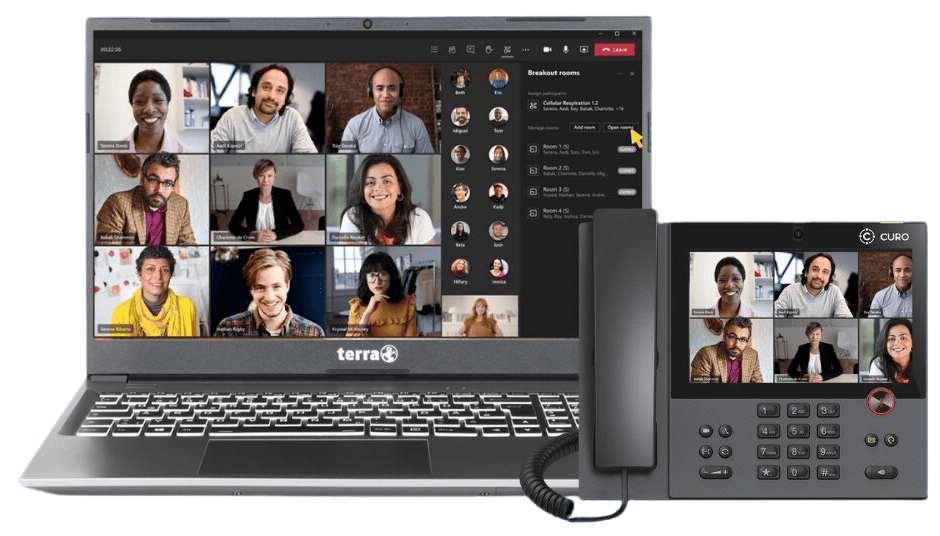
How it works
No retraining. No disruption.
Step 1 - Connect your Curo number to Teams
We configure a Direct Routing connection between Curo IP's session border controller (SBC) and your Microsoft 365 tenant. This typically takes one working day.
Step 2 - Assign numbers to Teams users
Your team members are assigned their Curo IP DDI numbers inside Teams Admin Centre. They appear in Teams as a normal phone number.
Step 3 - Call from Teams as normal
Your team members are assigned their Curo IP DDI numbers inside Teams Admin Centre. They appear in Teams as a normal phone number.